
25 October 2026
Do Your Guests Need an App to Buy a Ticket?
Short answer: they should not, and on Tolivi they do not. But it is worth understanding why this question keeps coming up, because the answer decides how many people who wanted to come actually end up holding a ticket.
The moment you lose people
Think about what happens after someone sees your event. They are on their phone, probably in a message thread or on a story, mildly interested, with about twenty seconds of attention. They tap your link.
If the next thing they see is an app store page, a meaningful share of them stop. Not because they object in principle, but because the task just grew: install, wait, open, create an account, verify an email, find the event again, then buy. Six steps where there was one.
That drop-off is invisible to you. There is no notification for the person who decided it was too much effort. You see the tickets you sold and never the ones you did not.
What actually has to happen for someone to buy
Strip it back. For a guest to end up with a valid ticket, three things have to be true:
- They can see what the event is, when, where and what it costs.
- They can pay.
- They can prove at the door that they paid.
None of those requires an app. A web page handles the first two, and the third needs nothing more than something scannable - which an email can carry perfectly well.
Where an app genuinely does help
It is worth being fair about this, because “no app” is not a virtue in itself.
An app earns its place on the organiser side. Setting up tiers, watching sales come in, checking people in at the door with the camera, messaging your staff before doors - those are repeated, involved tasks done by someone with a reason to install something. That is a very different situation from a stranger deciding in twenty seconds whether your Friday night is worth a download.
It can also earn its place for a returning guest who comes to your nights often. The mistake is requiring it at the point of purchase, from someone who has never heard of you.
How it works on Tolivi
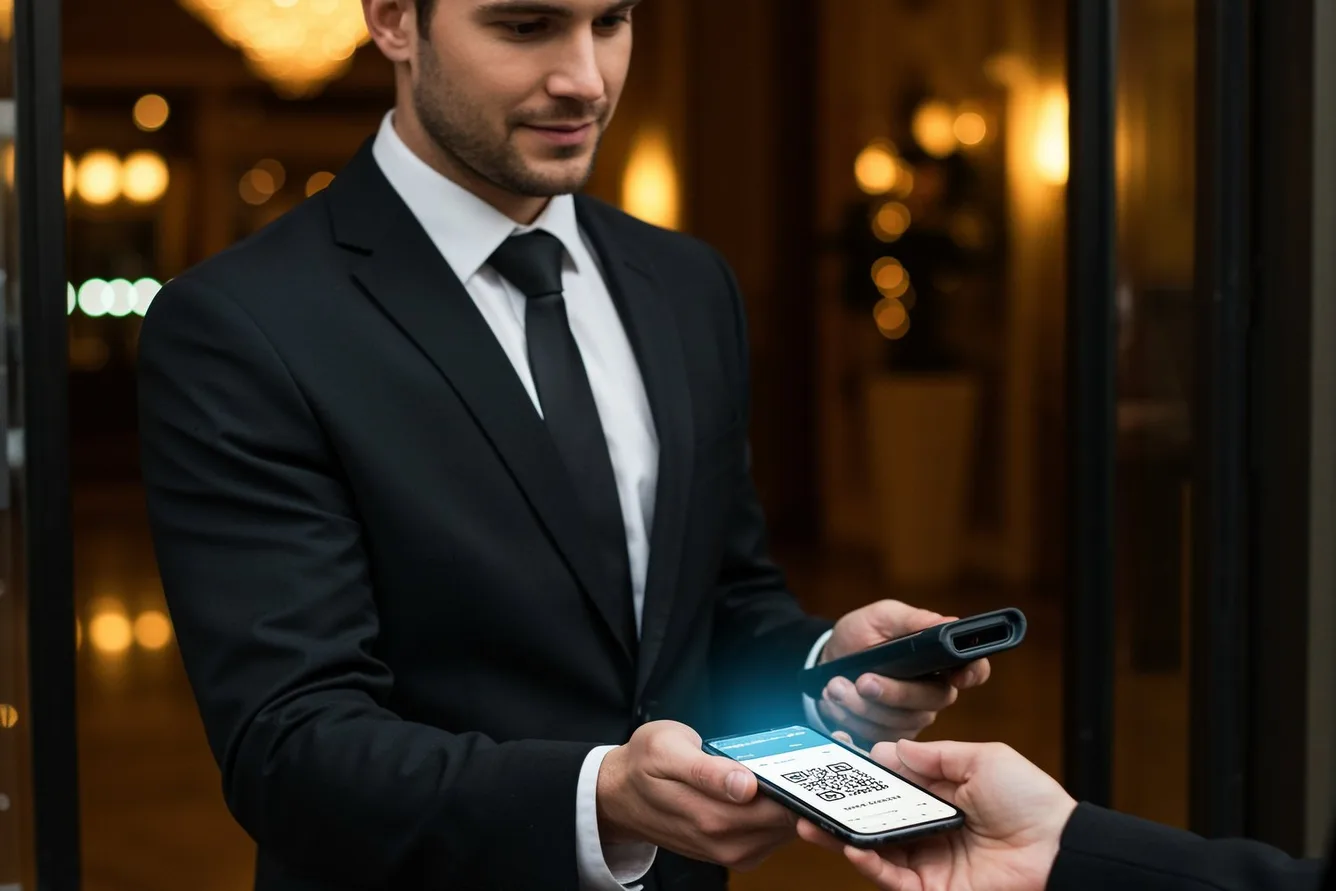
Your event gets a link. A guest opens it, sees the event, and pays on the page. The ticket arrives by email with a QR code.
On the night you scan that code with your phone and the guest list updates live, so whoever is on the door can see who has arrived and who has not without anyone reading out names from a printout.
The app is for you. You use it to put the event on sale, set tiers and capacity, add promo codes, watch sales, run the door, and hire staff for the night. Your team can have their own logins. Your guests need none of that.
What to ask a platform
- Can a guest buy without installing anything? Try it yourself, on a phone, from a cold link. Not from the demo.
- Is an account required to buy? A forced sign-up is a smaller version of the same problem.
- What does the guest get afterwards? An emailed ticket works offline at a door with poor signal. A ticket that only exists inside an app does not.
- What happens at the door if a phone is flat? A name on a live guest list should be enough.
If you are choosing between platforms, that first test is the one worth doing properly. Send yourself the link from someone else’s phone and count the taps.